You can customize your bookings page with your logo and customized invite questions.
Uploading your logo
To upload a logo, navigate to Event Types page.
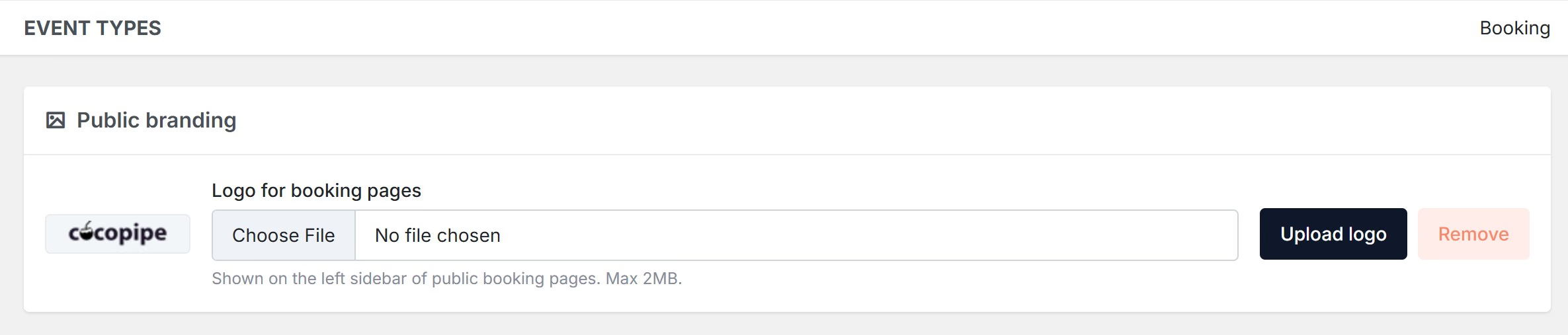
On the above section, you can upload your logo.
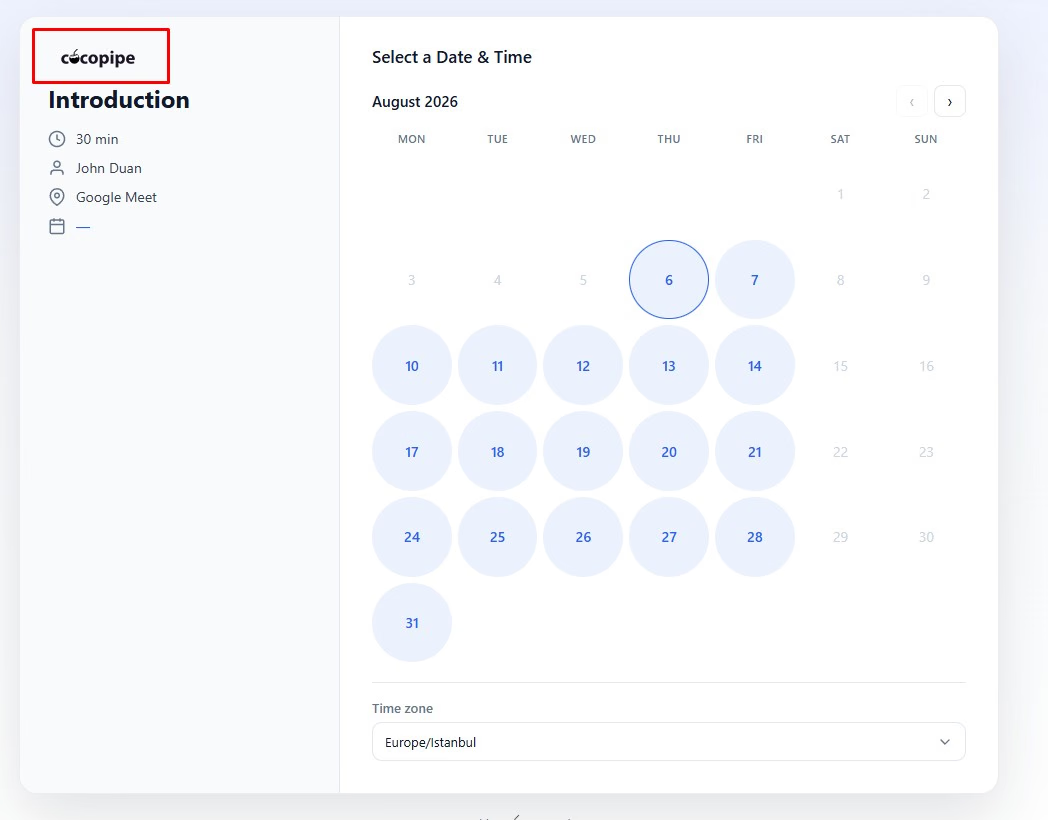
Your uploaded logo/image will be displayed on the highlight area.
Customizing the invite questions
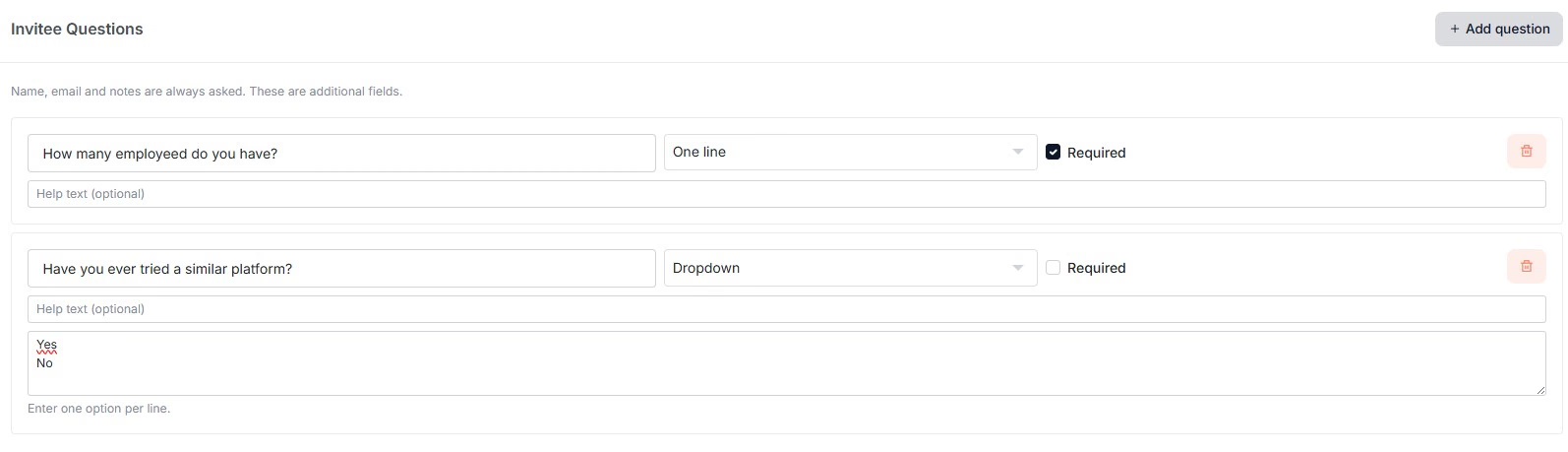
You can adjust invite questions while creating a new event. Email and full name are required system fields. Therefore, they cannot be edited or deleted.
Supported fields are:
Textfields
Richtext
Dropdowns
Radio buttons
Checkboxes
Phone
Email
URL
Number