You can adjust your availbility easily on the Bookings page.
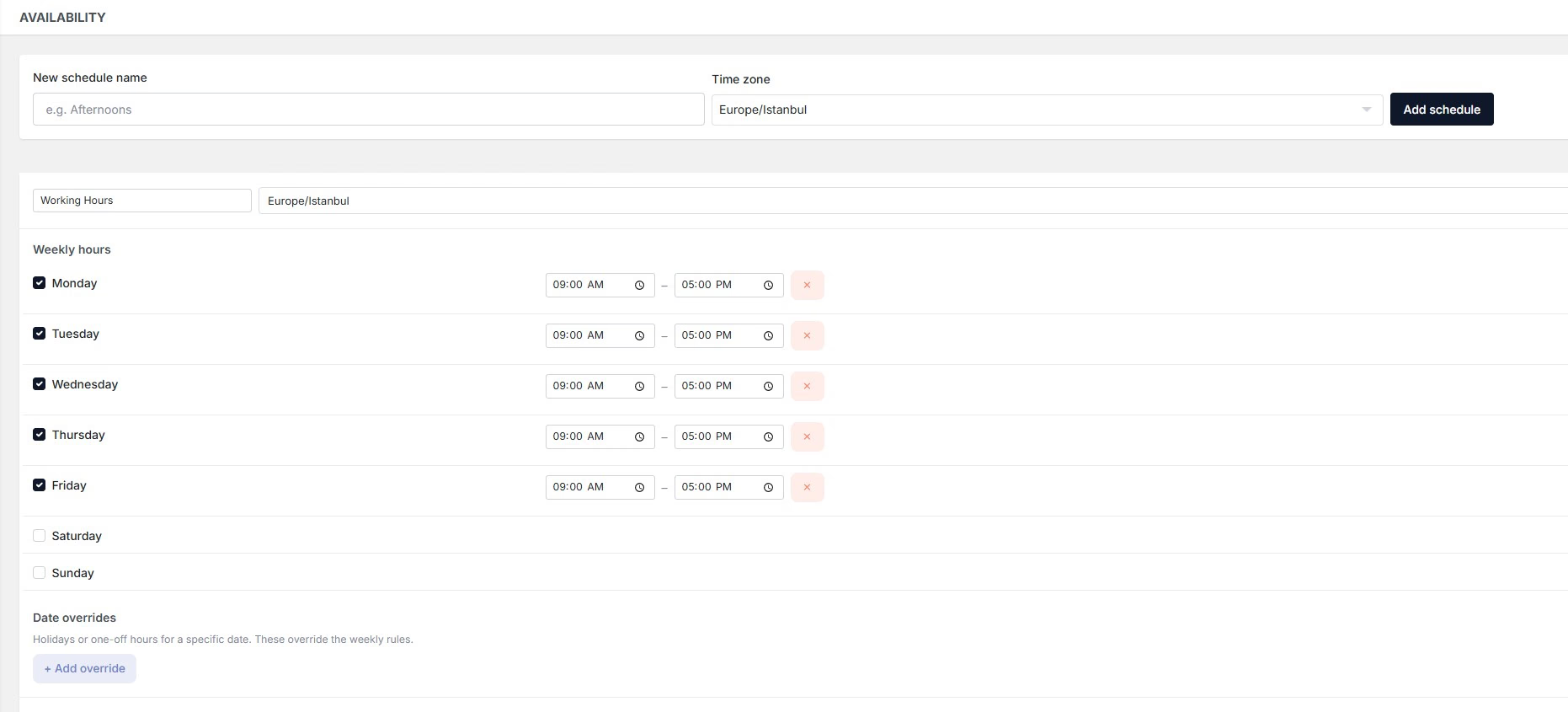
Navigate to the availbility page.
Set a name and time zone for the program
Adjust the days and hours that you want to make available for appoienments.
Add holidays or your time-off days to block slots on the day or hours.
Then, click on Save button.
You can select this program for each event you create or set up a new program.