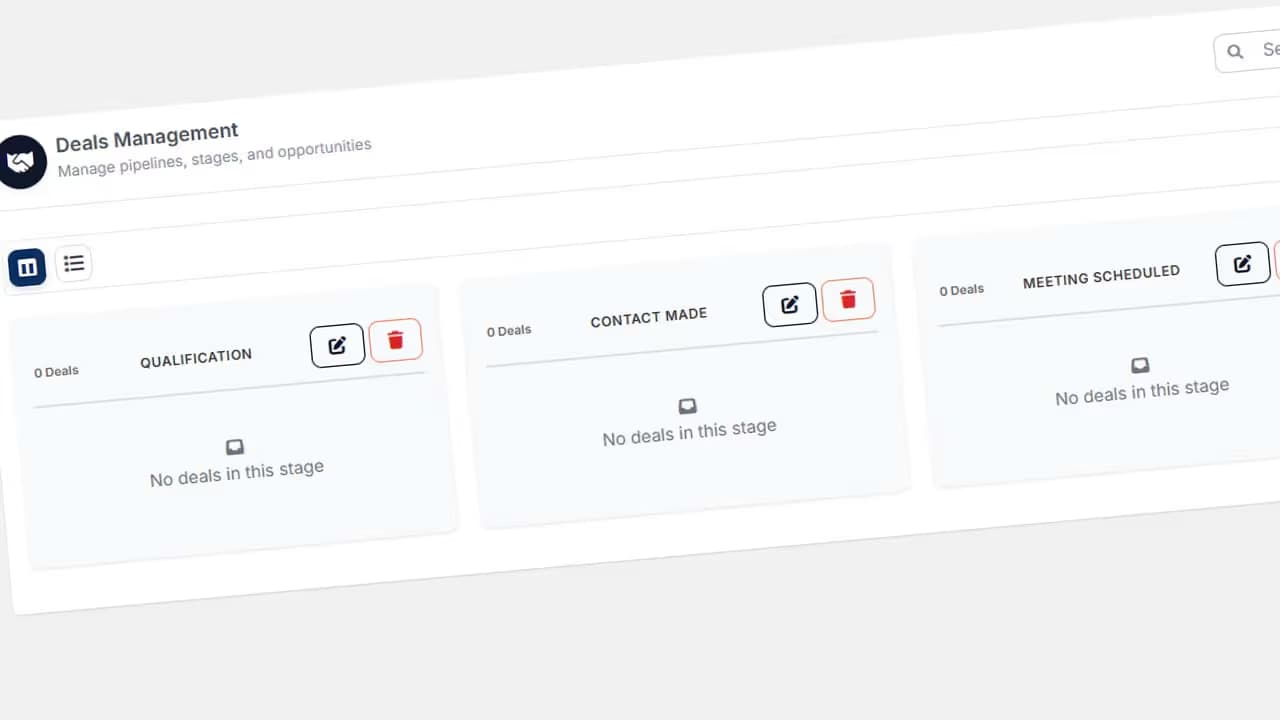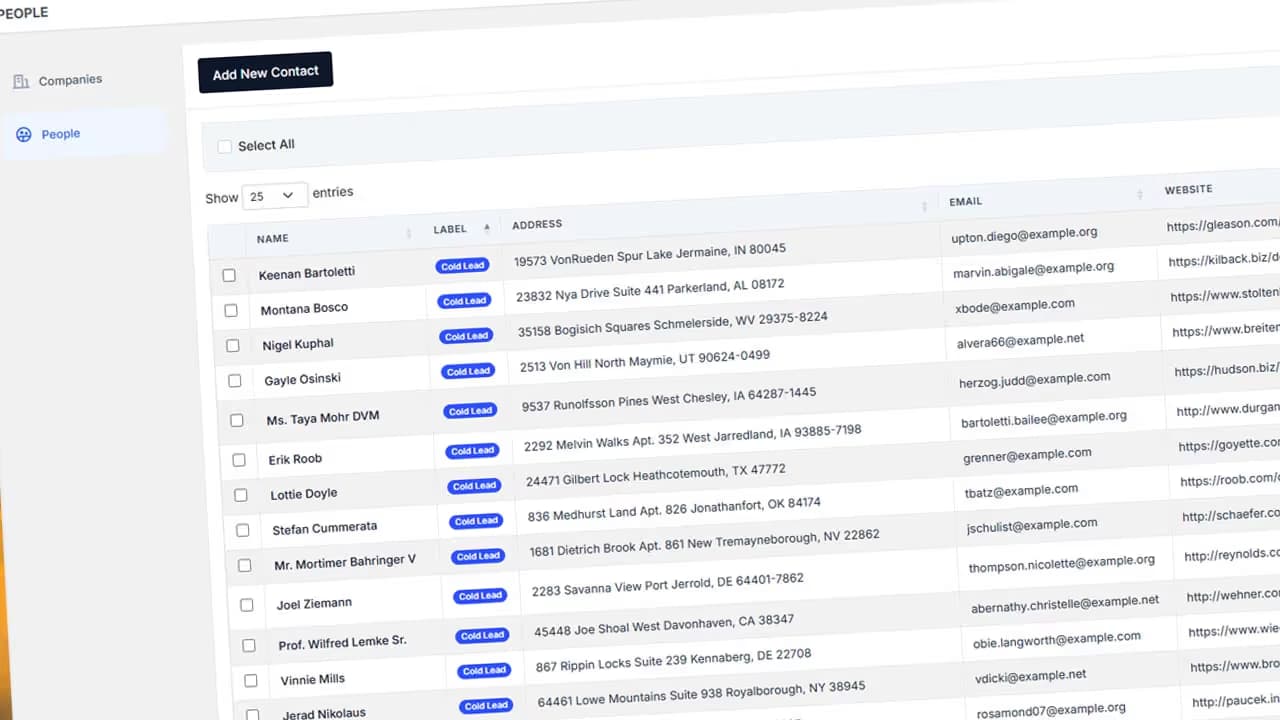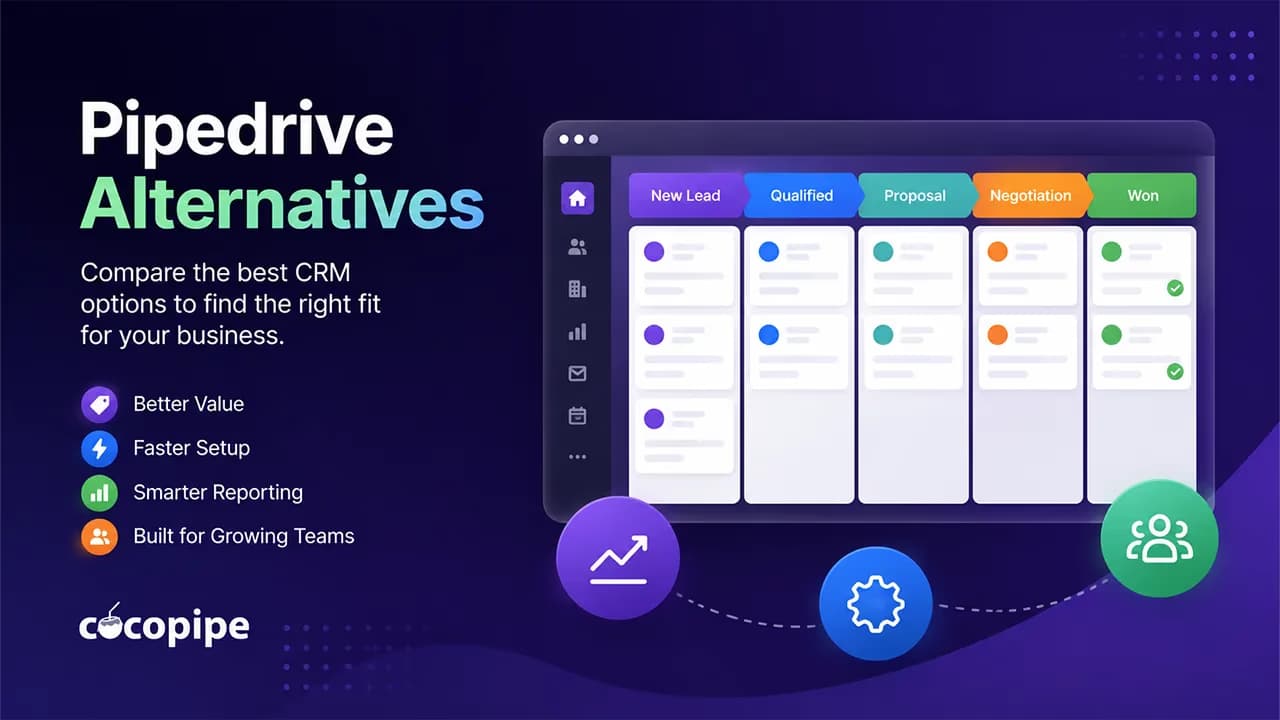
Pipedrive remains a strong choice for teams that want a visual sales pipeline and a familiar interface. Most companies start looking elsewhere when per-seat costs increase, key workflows require a higher plan or separate add-ons begin stacking up. This comparison ranks seven Pipedrive alternatives by total cost, implementation effort and data migration, not the lowest number shown on a pricing page.
Which Pipedrive alternative is best for your team?
For a small sales team that wants CRM, tasks, quotes and reporting in one workspace, Cocopipe is the strongest starting point. HubSpot fits companies combining sales with marketing and customer service. Close is built for outbound teams, while monday CRM suits agencies that prefer configurable boards over a fixed CRM structure.
Tool | Best fit | Published pricing model | Setup effort |
|---|---|---|---|
Cocopipe | Small businesses, agencies and growing sales teams | Free for the first two seats; Professional at $19/month | Low |
Hubspot Sales Hub | Companies combining sales and inbound marketing | Free for two users; Professional at $90/seat/month | Medium-high |
Zoho CRM | Teams that need detailed customization | $20/month | Medium |
Freshsales | Small teams needing email, chat and phone features | Starts at $9/seat/month annually | Low-medium |
monday CRM | Teams building sales around flexible boards | Standard at $17/seat/month annually | Medium |
Close | Outbound calling and email teams | Essentials at $35/seat/month annually | Low-medium |
Attio | Technology companies with custom data models | Plus at $35/seat/month annually | Medium |
Setup effort is an editorial estimate for a 3-10 person team, one pipeline, a clean CSV file and no custom development. Complex permissions, multiple business units or private integrations change the workload.
Why do teams look for an alternative to Pipedrive?
Pipedrive’s annual plans range from $14 to $79 per seat each month. A team needing full email sync and automations moves to the $39 Growth plan. Contracts, e-signatures, custom scoring and more advanced permissions sit in the $59 Premium plan. LeadBooster, Projects, Campaigns, Web Visitors and Smart Docs can add separate charges.
That does not make Pipedrive poor value. It means the entry price is a weak way to estimate what your team will actually pay.
Use this calculation instead:
Annual CRM cost = seats + required add-ons + onboarding + data preparation + integrations + training
Five Growth users cost $2,340 per year before tax and add-ons. Five Premium users cost $3,540.
The 7 best Pipedrive alternatives
1. Cocopipe: Best for small teams that want a quick setup

Cocopipe is an AI-assisted sales CRM combining contacts, deals, pipelines, tasks, reports, custom fields and quotes in one workspace. Its published pricing lists a free tier for the first two seats, Standard at $19 per month, Professional at $29 and Enterprise at $49. Paid prices also cover the first two seats.
Its main advantage over Pipedrive is the amount of daily sales work kept inside the core product. A small agency can manage opportunities, assign follow-ups, create quotes and adapt records with custom fields without assembling several separate tools. Cocopipe also promotes data mapping and guided imports for teams moving from spreadsheets or another CRM.
The trade-off is ecosystem size. Pipedrive advertises more than 500 integrations, while Cocopipe is a newer platform with a smaller integration catalog. Teams using specialist finance, calling or data-enrichment tools should check compatibility before migrating.
Best for: Agencies, B2B service firms, software companies and sales teams with 2-10 people.
Pricing: Free for the first two seats; Standard costs $19/month. 2 users total is.
2. HubSpot Sales Hub: Best for a broad customer platform

HubSpot’s advantage is the connection between sales, marketing, service, content and customer data. Sales Hub is free for up to two users. Starter begins at $7 per seat with annual billing, while Professional starts at $90. Professional requires a one-time $1,500 onboarding fee; Enterprise onboarding costs $3,500.
A five-person company that only needs pipeline tracking may find the Professional tier excessive. A business running inbound marketing, lead capture, customer service and sales automation from the same database can justify the higher spend.
Best for: Companies building sales and inbound marketing on one customer platform.
Example five-seat cost: About $6,900 in the first year for Sales Hub Professional, before tax and extra credit usage.
3. Zoho CRM: Best for detailed customization

Zoho CRM offers custom fields, workflows, multiple pipelines, reporting, forecasting and links to the wider Zoho product family. Its free edition supports three users and includes leads, deals, activities, reports and spreadsheet imports. Zoho also advertises free onboarding for paid customers and separate implementation programs for more involved deployments.
The flexibility creates more configuration work. A four-person agency with a simple pipeline may spend time removing modules and simplifying screens before representatives feel comfortable using the system.
Best for: Cost-conscious companies that need extensive configuration and can assign an internal CRM owner.
Pricing: $20/month.
4. Freshsales: Best value for multichannel selling

Freshsales Growth starts at $9 per user each month with annual billing. It includes a Kanban view, email templates, custom fields, basic workflows, chat, email and phone functions. Pro costs $39 per seat and Enterprise costs $59. Branded documents and the Freddy AI Agent are sold separately.
This package works well for small teams that want customer communication inside the CRM. Sales sequences, territory management and more advanced insights require a higher tier.
Best for: Small and mid-sized teams selling through email, chat and phone.
Example five-seat cost: $540 per year on Growth, excluding paid AI and document add-ons.
5. monday CRM: Best for board-based workflows

monday CRM is built around configurable boards, columns and automations rather than a rigid CRM model. The Standard plan is listed at $17 per seat each month with annual billing. Paid CRM plans start from three users, and the final cost depends on both plan level and seat count.
Agencies can connect lead management, client delivery and internal operations through a similar interface. Teams expecting a finished sales methodology on day one will need to spend more time designing boards, fields and automation rules.
Best for: Agencies and service companies managing both sales and delivery through shared boards.
Example five-seat cost: About $1,020 per year on Standard, before tax and other monday products.
6. Close: Best for outbound calling teams

Close combines CRM records with calling, SMS, email, forms and a shared inbox. Essentials costs $35 per user each month with annual billing. Automated workflows, the power dialer and bulk email require Growth, priced at $99 per user.
A high-volume outbound team may replace a separate dialer and communication stack with Close. An inbound agency focused on meetings, proposals and account management may pay for calling functions it rarely uses.
Best for: SDR teams, telesales operations and companies running high-volume outbound campaigns.
Example five-seat cost: $2,100 per year on Essentials; $5,940 on Growth.
7. Attio: Best for flexible relationship data

Attio lets companies create custom objects and relationships instead of forcing every process into standard contact, company and deal tables. The free plan supports up to three seats. Plus costs $35 per user each month with annual billing, while Pro costs $79 and includes advanced reporting, permission controls and sequences.
That flexibility fits SaaS companies tracking investors, partnerships, accounts and product relationships. A conventional sales team may face more design decisions than it needs.
Best for: Technology companies with non-standard relationship and account structures.
Example five-seat cost: $2,100 per year on Plus or $4,740 on Pro.
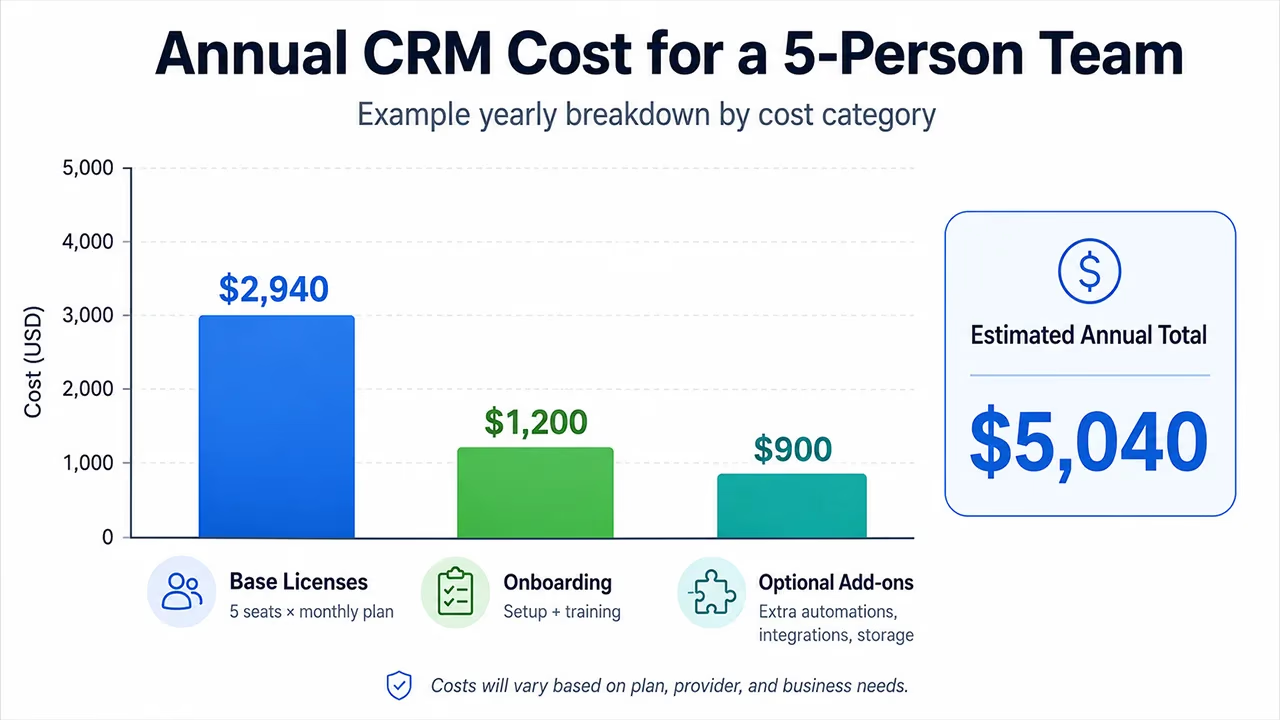
Five-seat total cost comparison
These figures show license subtotals with annual billing. They exclude taxes, consulting, data cleanup and private integrations.
Tool and lowest plan | Monthly subtotal | Annual subtotal | Main cost risk |
|---|---|---|---|
Pipedrive | $120 | $840 | Lead, campaign and document add-ons |
Cocopipe | $95 | $540 | No hidden cost |
Hubspot | $450 | $6900 | Mandatory $1,500 onboarding as an additional cost |
Zoho CRM | $100 | $840 | Support and implementation services |
Freshsales | $55 | $540 | Different profuct development focus, and branded-document add-ons |
monday CRM | $90 | $720 | Seat tiers and extra monday products |
Close | $175 | $2100 | Workflows require Growth |
Attio | $175 | $2100 | Credit packs and Pro-only features |
The lowest number is not always the cheapest operational choice. Close may remove a separate calling subscription. HubSpot may replace marketing and service products. Cocopipe can reduce the need for separate quote, task and form tools.
How do you migrate from Pipedrive?
The hardest part of a CRM migration is rarely uploading the CSV. It is deciding which data deserves a place in the new system.
A common mistake is copying every old stage and custom field. If your team has ignored a field for three years, moving it preserves clutter rather than business context.
Inventory each data type. List people, organizations, deals, activities, notes, products, files and custom fields.
Remove duplicates and dead records. Fix owners, empty opportunities and outdated statuses before exporting.
Create a field-mapping sheet. Record the destination field, format and required status for each source column.
Run a small test import. Check currencies, timestamps, owners and notes with a limited sample.
Set a brief data freeze. Stop edits in the old CRM before the final export.
Reconcile record counts. Compare contacts, open deals, activities and attachments, not just the headline total.
Picture a six-person agency with 2,800 contacts, 170 open opportunities and 24 custom fields. Uploading the files may take a few hours. Agreeing which fields to keep will take most of the project.
Which Pipedrive alternative should you choose?
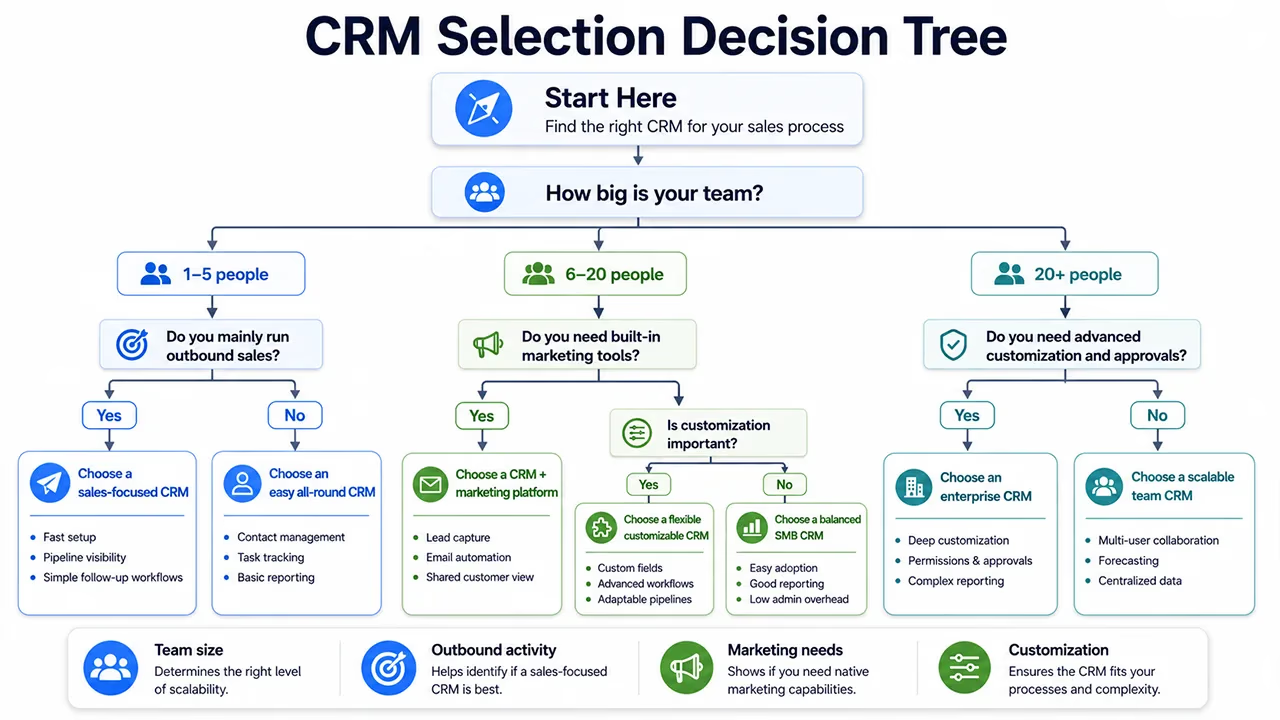
Start with the actions your representatives perform every day. For a small team that needs CRM records, pipeline management, tasks, quotes and custom fields with limited setup, Cocopipe deserves the first trial. Build a sample process using Cocopipe’s sales management tools before moving live data.
Choose HubSpot when marketing and service tools are part of the decision. Shortlist Close for outbound calling, monday CRM for board-based operations and Attio for custom relationship structures. A shorter feature list that matches daily work beats a larger platform the team avoids updating.
FAQ
What is the best Pipedrive alternative?
Cocopipe is a strong Pipedrive alternative for small sales teams that want pipeline management, tasks, quotes, reports and custom fields in one product. HubSpot suits companies combining sales with inbound marketing, while Close is designed for outbound communication. The best option depends on team size, required workflows and first-year cost.
Is there a free alternative to Pipedrive?
Yes. Cocopipe offers a free plan for the first two seats, HubSpot supports two free users, and Zoho CRM and Attio support up to three. Free tiers differ in automation, reporting, permissions and record limits, so calculate the paid plan your team will need after it grows.
Is it difficult to move data out of Pipedrive?
Moving data out of Pipedrive is manageable when records and custom fields are clean. Most migrations use exports, field mapping and a test import. Duplicate contacts, unclear ownership, old pipeline stages and attachments create more work than the file transfer itself. Always test a small sample before the final migration.
How should I calculate the total cost of a CRM?
Add seat licenses, required add-ons, onboarding, data cleanup, integrations, training and taxes. A difference of $10 per user each month becomes $600 per year for a five-person team. One required feature that forces an upgrade can have a larger effect than the advertised starting price.
Is Pipedrive still a good CRM?
Pipedrive remains a good CRM for teams that value visual pipeline management, a familiar sales interface and a large integration catalog. Its Growth and Premium plans add email sync, automation, forecasting, scoring, proposals and e-signatures. Teams should compare the package they actually need rather than Pipedrive’s entry price.