Connecting your calendar to Cocopipe is easy. You can follow the below process:
1- Connecting calendar
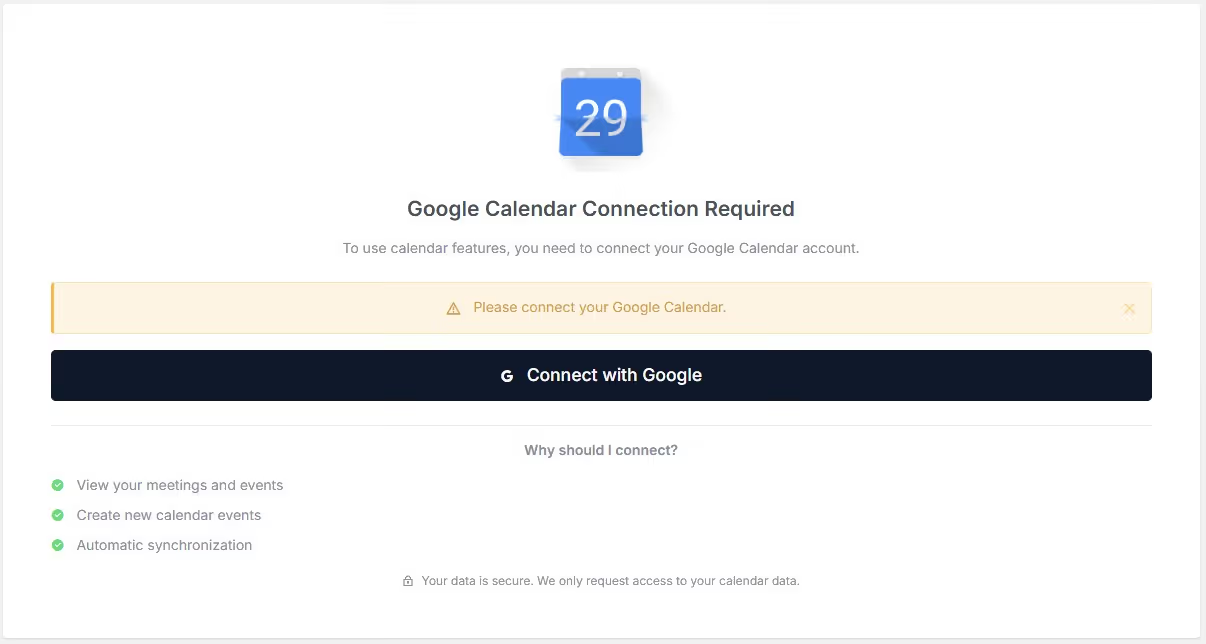
Click on the "Calendar" on the left sidebar on the Cocopipe app.
Click on the "Connect with Google" button.
Proceed with the following steps, which require authorization of your Google account. Then you will be able to manage and sync your calendar on Cocopipe.
IMPORTANT: Cocopipe does not transfer or store your calendar data on its own servers. Your calendar data will still be stored on Google data servers.